Core Figma skills
Learn frames, layouts, reusable components, typography, colour and global styles.
Move from your first Figma frame to a finished, responsive WordPress website with Bricks Builder.
Get the Bricks courseFigma foundations, then one focused build path.
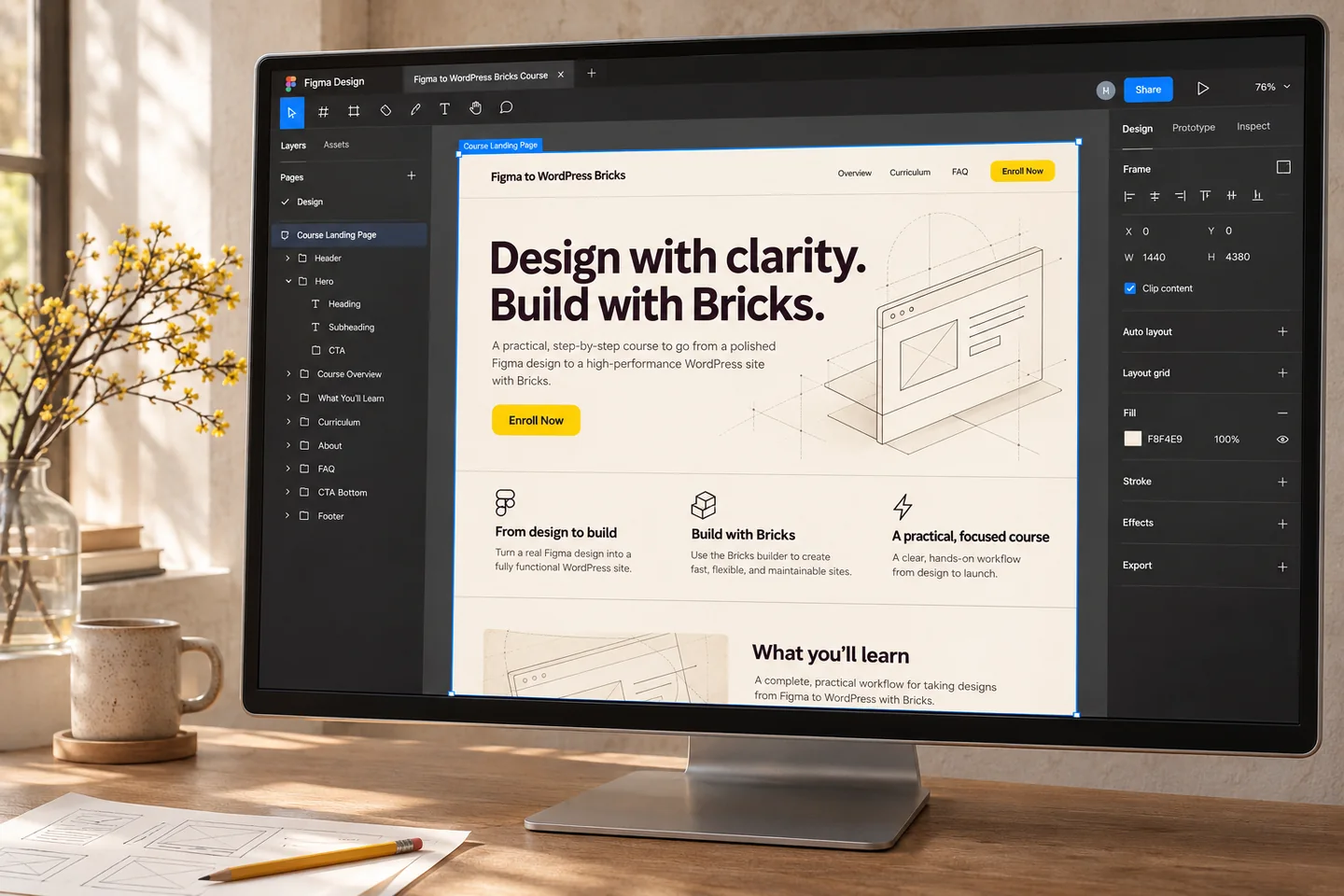
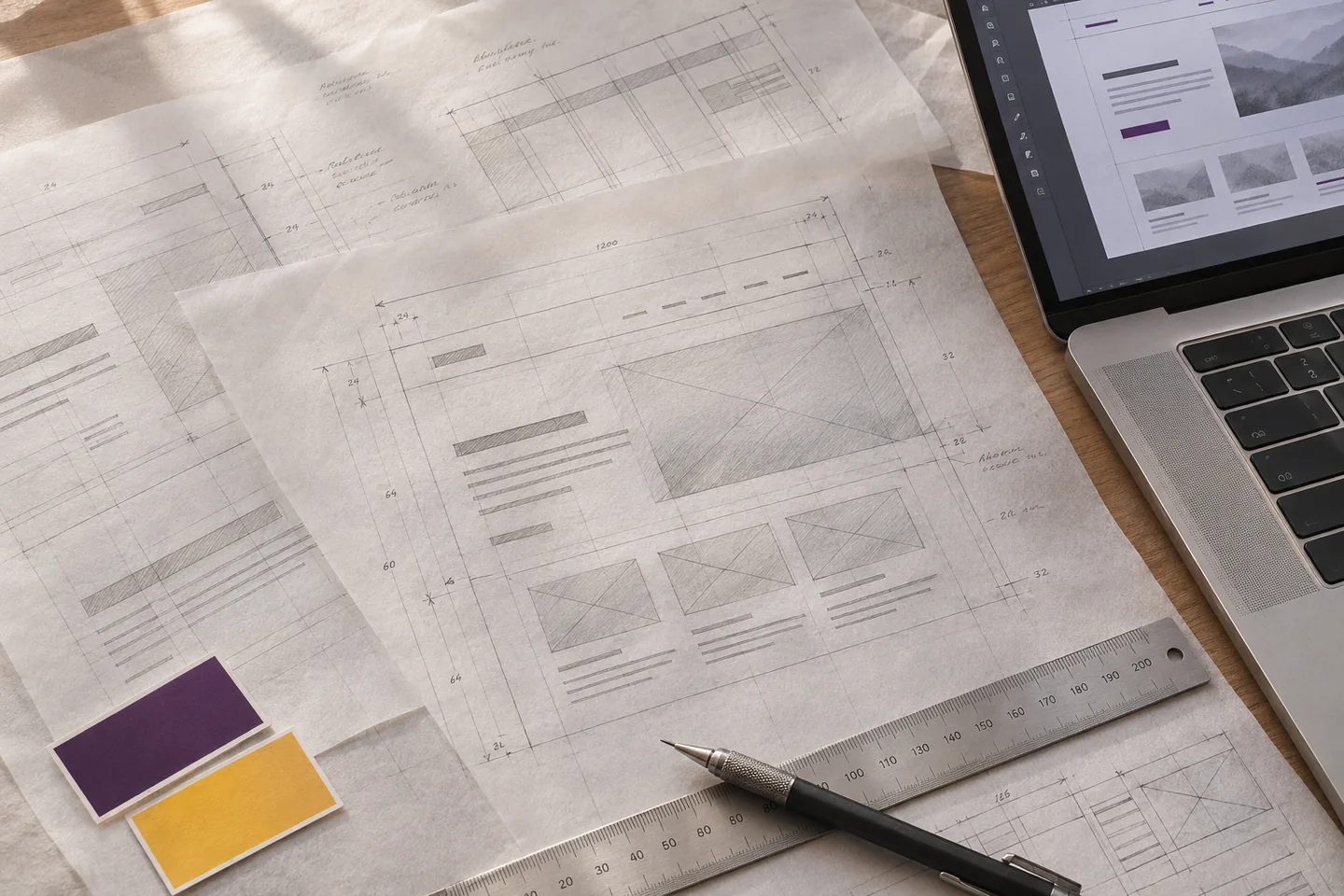
A DESIGN THAT'S READY TO BUILD
Separate design decisions from build decisions. Then bring them together in a practical, repeatable workflow.
Explore layouts, type and colour in a dedicated design tool. Learn the fundamentals by shaping a complete one-page website.
Share a clear visual direction, gather feedback and agree the design before building it in WordPress.
Use global styles and a considered structure to turn the approved Figma design into a responsive Bricks website.
THE BRICKS COURSE, FROM START TO FINISH
Learn the shared design foundations, then take the same website into Bricks Builder for WordPress.
Learn the Figma basics, then work through a complete one-page website design for a UI/UX designer.
By the end, you’ll have a finished design and a foundation in the tools that make the next step smoother.
Take your Figma design into Bricks Builder and recreate it as a WordPress website. Use global styling to keep the build consistent and efficient, then check the finished page across screen sizes.
Course outline: Modules may be split or combined during course development to support the learning experience.
WHAT'S INCLUDED
Focused lessons help you learn the process and apply it to a real design.
Learn frames, layouts, reusable components, typography, colour and global styles.
Build a repeatable workflow with practical tools and clear, jargon-free instruction.
Take the project from design to a responsive WordPress website using Bricks Builder.
Go further with additional lessons that expand on the core course skills.
FROM COURSE STUDENTS
This course has been the missing piece in my web design process.
“I was impressed with this course. This is my first time using Figma, and Paul made it feel approachable. The additional resources and templates further complement the video modules. Combining the excellent video and resources with an approachable style suited for both beginners and the more technically experienced, there is something for everyone, and I certainly learned a few things.”
“I’d been noodling with Figma for some time, but the first module finally made it click for me. Learning about Figma components alone was a revelation. I also appreciated Paul’s ‘Rosetta Stone’ approach. Building the same project with Elementor, Gutenberg and Bricks shows the strengths of each. I totally recommend it.”
You can request a refund within 30 days of purchase, minus payment processing fees. Requests are subject to the refund policy.
The course is delivered as a multi-part video series with additional written and printable information. After registration, you’ll receive an email with links to the course. Videos are recorded in full HD.
The course follows practical, hands-on lessons: first learn Figma and design a one-page site, then build that design with Bricks Builder and make it responsive.
You’ll need a free Figma account, WordPress installed locally or on a hosted server, and Bricks Builder. Hosting and software may involve separate costs. See Bricks Builder.
Yes. You can return when you’re ready. The source course page describes lifetime access, including future course updates.
Payment can be made by credit or debit card through PayPal or Stripe on the course purchase page.
You’ll receive an email with instructions for accessing the course. Existing WPTuts course members can use their current login details, subject to any pre-launch sale period terms.
Some product links are affiliate links. If you buy through them, WPTuts may earn a small commission at no extra cost to you.
READY TO MAKE A BETTER BUILD?
Get immediate access and start learning with a practical project.
Get the Bricks courseCovered by the 30-day refund policy. Terms apply.