From first frame.
To finished site.
Plan your website in Figma, then build it in WordPress.
Explore the courseOne project. Three ways to build.
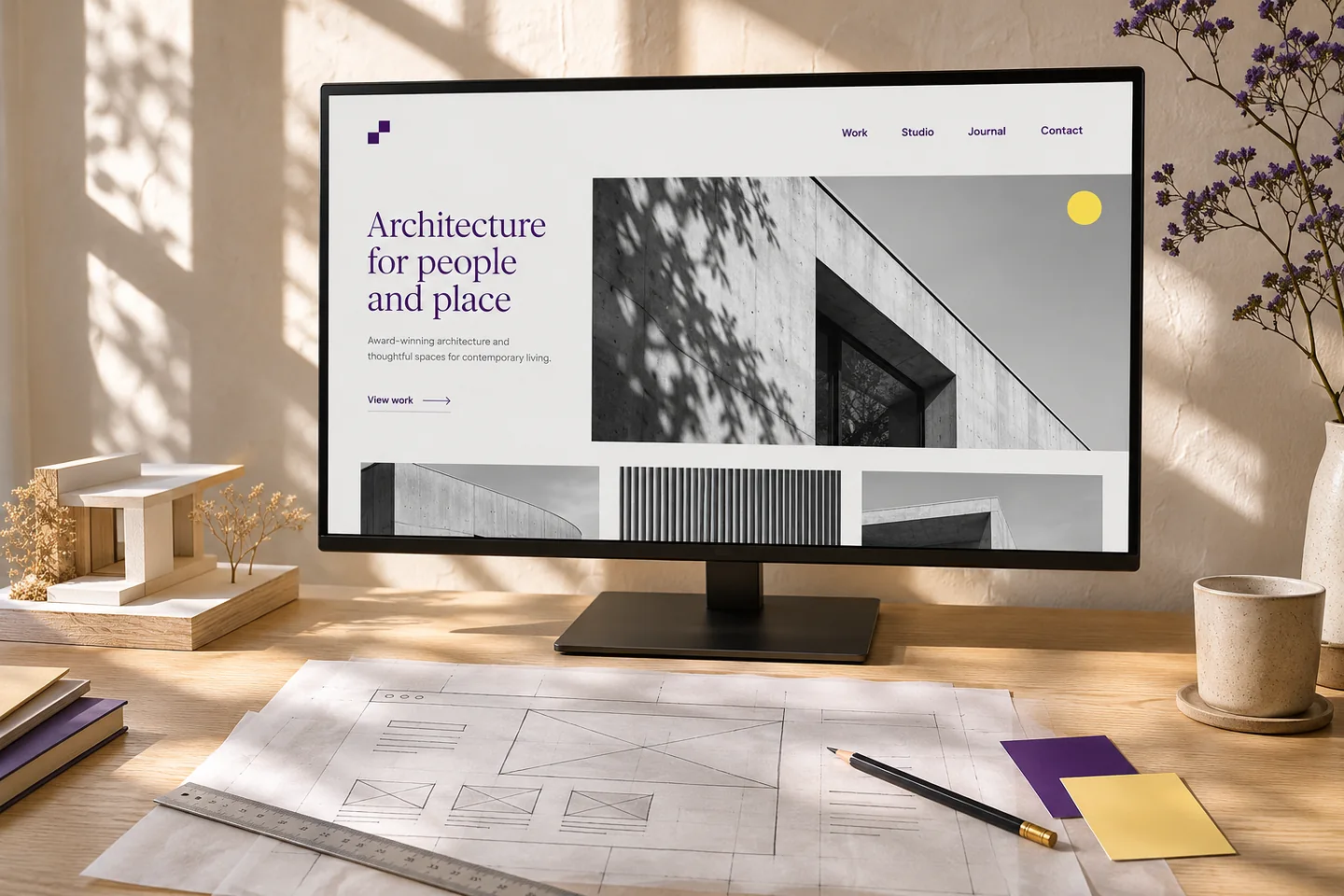
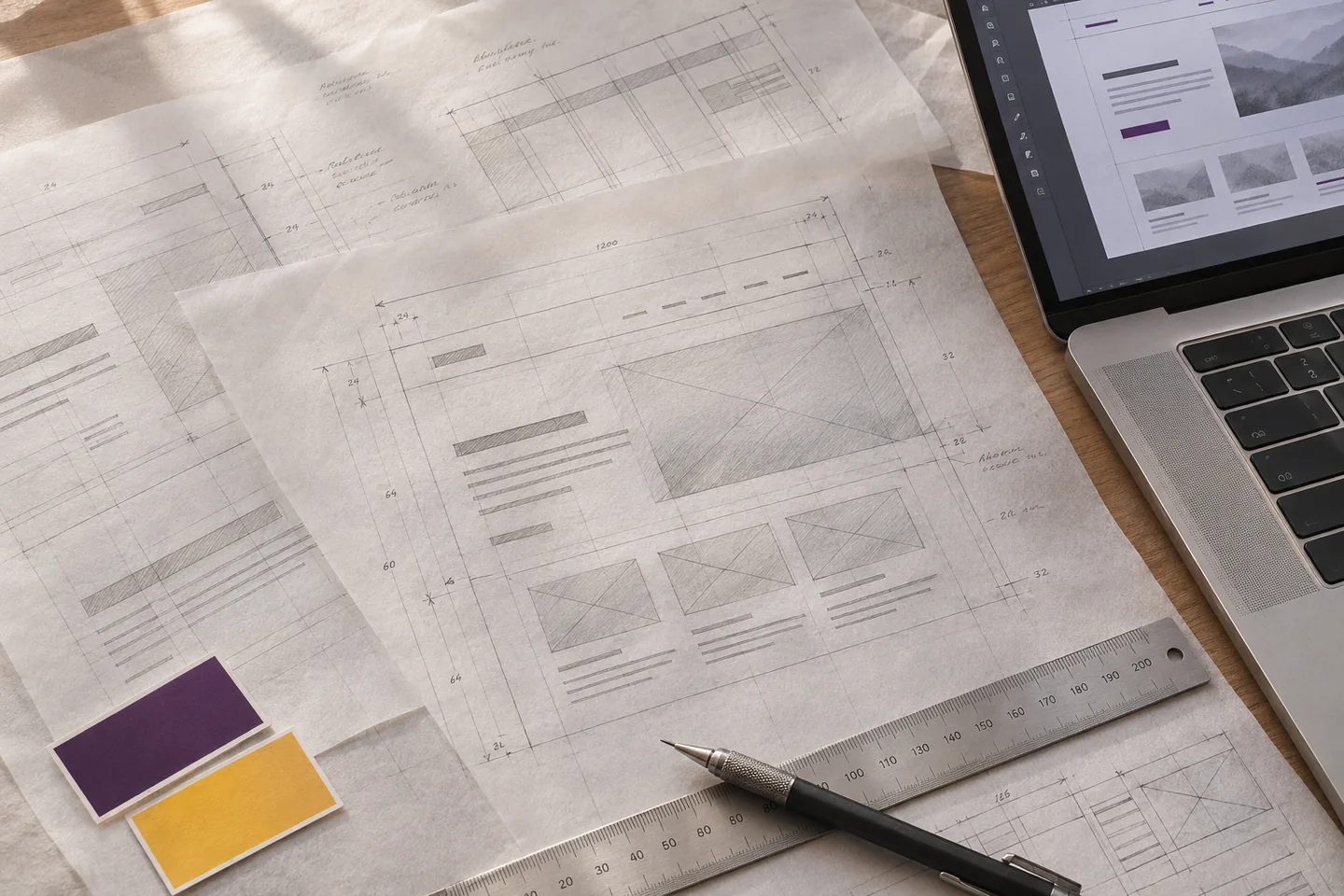
A LITTLE STRUCTURE. A LOT MORE FREEDOM.
Make space
for the good ideas.
Designing and building ask different things of you. Give each the attention it deserves.
Think outside the page builder.
Explore layouts, refine typography and find the right direction in Figma. Make decisions while ideas are still easy to move.
Bring your clients into the picture.
Share the vision, gather feedback and agree on a design. A clearer conversation makes for a smoother build.
Build with a plan, and a purpose.
Take the guesswork out of WordPress. Follow a considered design in the builder you already love.
THE COURSE, FROM START TO FINISH
A real project.
Skills that stay with you.
Follow one website from blank canvas to responsive build. Start with the shared Figma foundation, then follow the WordPress path that suits your tools.
01START WITH THE FOUNDATIONSDesign in Figma
Get comfortable with Figma, then design a complete one-page website. Learn the tools through a practical project, one step at a time.
- Frames, layouts and an 8-point grid
- Colour, typography and global styles
- Reusable components and a clear design process
02WORDPRESS BUILD PATHBuild with Elementor
Recreate the Figma design in Elementor using containers, Flexbox and global styling. Build each section, then adapt the finished page for smaller screens.
03WORDPRESS BUILD PATHBuild with GenerateBlocks
Use GeneratePress and GenerateBlocks to bring the same design to the WordPress block editor. Create a flexible layout with consistent styles and a responsive finish.
04WORDPRESS BUILD PATHBuild with Bricks
Turn the Figma design into a Bricks Builder website. Use global styling to keep the build consistent, then refine the layout across screen sizes.
What students learned.
This course has been the missing piece in my web design process.
“Combining the excellent video and resources with an approachable style suited for both beginners and the more technically experienced, there is something for everyone, and I certainly learned a few things.”
“I’d been noodling with Figma for some time but the first module finally made it click for me. Learning about Figma components was a revelation.”
Course questions
Back to the courseWho is this course for?
Freelance web designers and WordPress builders who want a clearer design process. You’ll start with Figma foundations, then put those skills to work on a complete website.
Do I need to know Figma already?
No. The first module starts with Figma basics and guides you through a complete one-page website design.
Do I need all three WordPress builders?
No. Start with the shared Figma module, then follow one WordPress path. The course includes lessons for Elementor, GeneratePress with GenerateBlocks, and Bricks Builder.
What software will I need?
You’ll need a Figma account and a WordPress site to practise on. You’ll also need the theme and page builder for your chosen path. Hosting, themes or tools may have separate costs.
How are the lessons delivered?
The course is a structured series of practical video lessons, supported by written and printable resources. Work through the project at your own pace.
How long can I access the course?
Course access duration and update details will be confirmed with the enrolment information.
What if the course isn’t right for me?
Refund requests are subject to the conditions in the refund policy.
Your next website starts with a better process.
Learn Figma to WordPress with Paul Charlton.
Enrolment link coming soon.